Purchase Completed
Error occurred
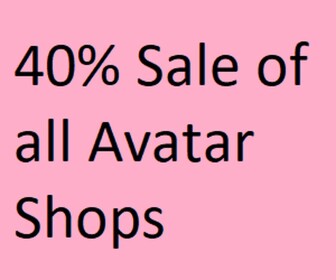
40% Sale Avatar Shop
Description
How to Use:
1: Find an Item you want to buy on the Avatar Shop.
2: Copy the ID of the Item from the link.
3: Paste the item ID into the Text box located in the bottom left of the screen in-game.
4: Press Enter and you will be promted to puchase the item!
5: Upon purchasing the item, the game Creator will receive a 40%! commission!
There are currently no running experiences.